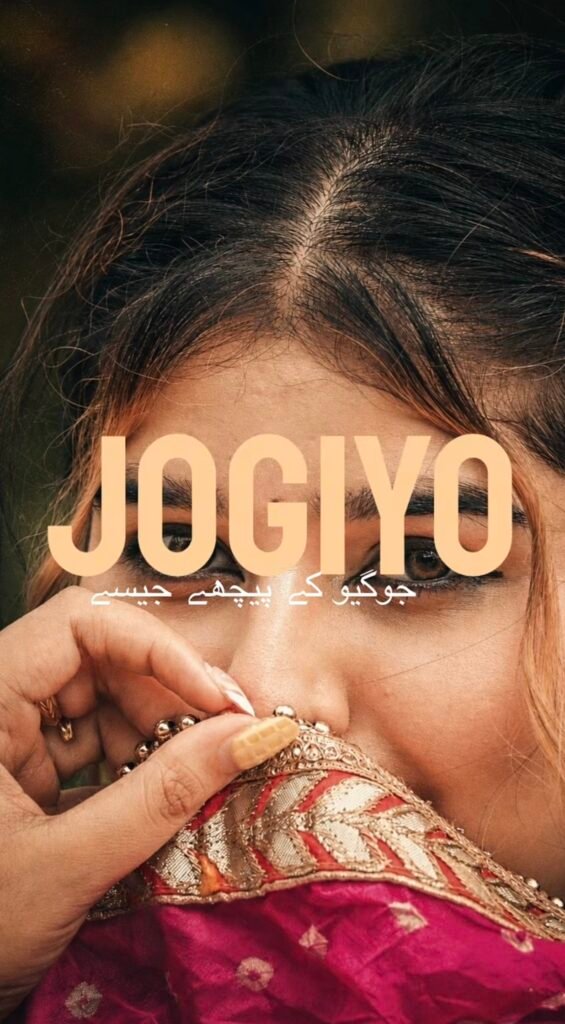
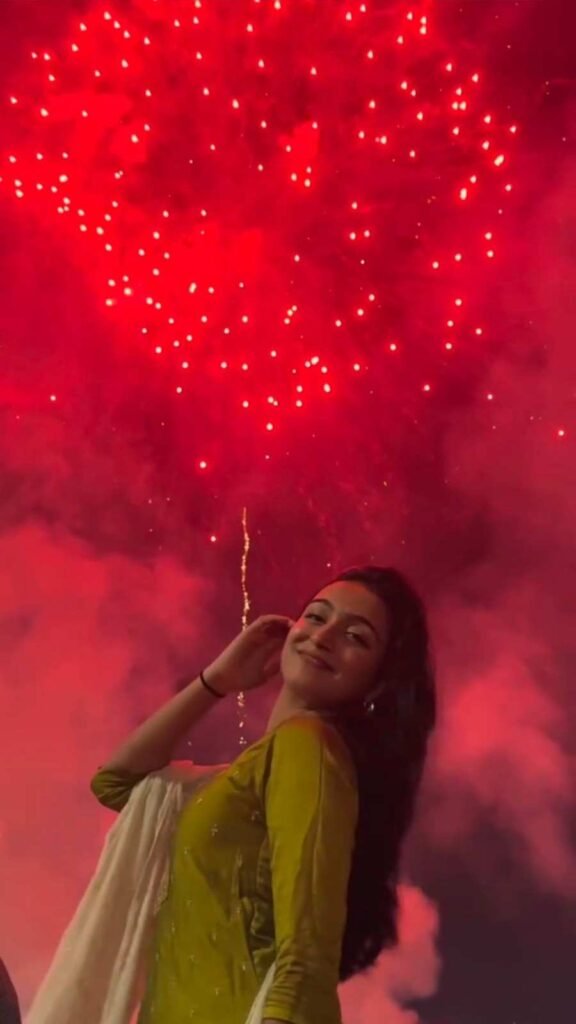
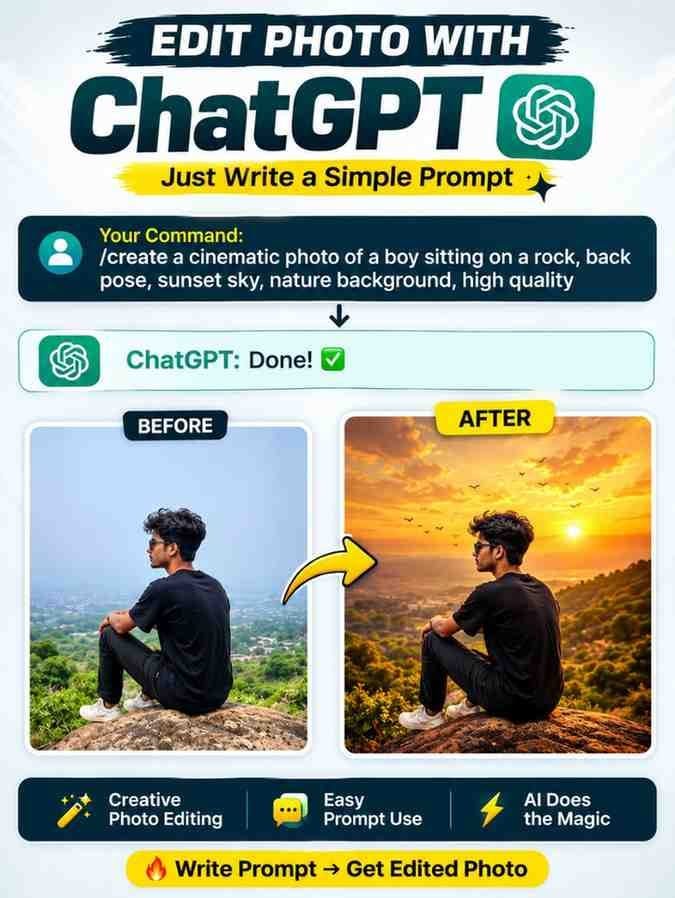
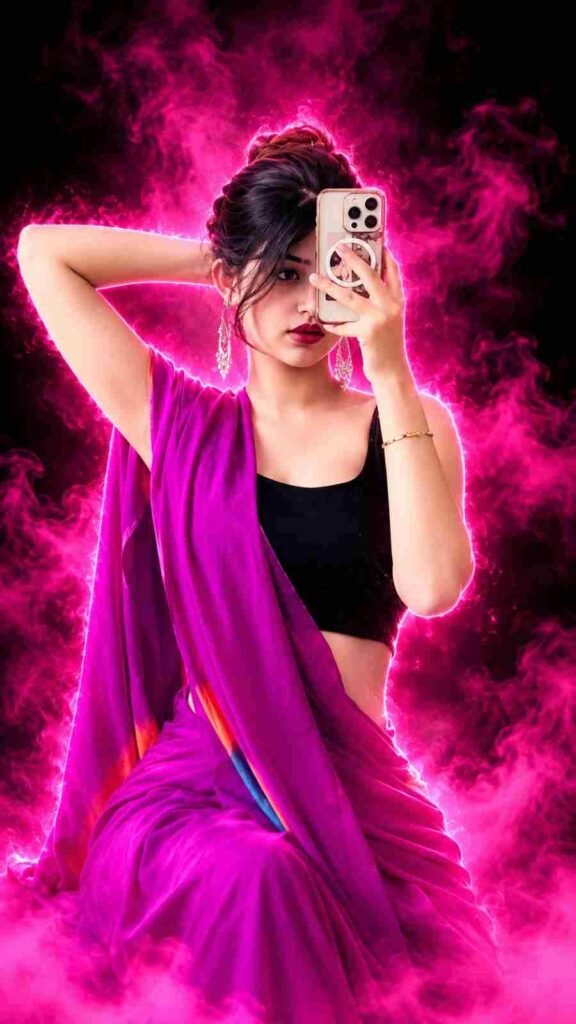
Nowadays, simply sharing photos is not enough for many people. Everyone wants to transform their photos in a new way and create something that surprises others. With the help of AI technology, this has become much easier. Instagram Trending AI Video Editing With Flow is an interesting method that allows you to turn your ordinary photos into beautiful videos.
Advertisements
By using Google Flow, you can create your preferred scenes, camera movements, and cinematic environments. The best part is that you do not need to learn complicated video editing skills. All you need is a good photo and the right prompt to get started. In this article, we will learn how to create videos with Flow and where to find new and creative prompts.
A New Way to Experience Google Flow AI Video Editing
Google Flow is an AI tool that helps you turn your ideas into videos. You can even use a single photo to try creating a completely different type of video. One of its most interesting features is AI Photo To Video, which helps transform a still image into a moving scene.
Imagine you have an ordinary photo and want the person in it to walk, look towards the camera, or stand in a beautiful environment. You can write these instructions in Google Flow, and the AI will try to generate a video based on your description.
Google Flow Video Prompt plays an important role in this process. It helps you explain what kind of scene you want to create. With clear instructions, you may get better results. For people who enjoy creating new types of Instagram Trending AI Video content, this can be a fun experience.
Follow This Easy Flow AI Video Creation Process
To create a video with Google Flow, you first need a good photo and a suitable prompt. Follow the steps below to get started easily.
First, open Google and search for Flow AI. Then, visit the Google Flow website. Once the website opens, sign in using your Gmail account.
Next, click the Plus icon at the bottom and select your preferred photo or video. After adding your image, go to the Text option. Copy the Google Flow Video Prompt provided by us and paste it into the text box.
While writing your prompt, clearly describe the scene, camera movement, lighting, and environment you want in your video. After that, select the available video settings.
Choose the aspect ratio and other options according to your preferences.
Once everything is ready, click the Generate button and wait for a while.
When your video is ready, play it and check the result. You may be able to use the three-dot menu beside the generated video to find the Save option. If you experience any problems, feel free to let us know.
Discover Fresh AI Video Editing Prompts From AI Editz
Finding good prompts is also important if you want to create new types of videos. Each prompt can give you a different idea for making your next video. You can explore our AI Editz website to find more creative prompts.
First, open Google on your mobile phone.
Type AI Editz into the search box and search for it. Then, open the website that appears in the search results. Once you enter the website, look for your preferred post.
If you cannot find the post directly, click the Search button at the top.
Type Instagram Trending AI Video Editing With Flow into the search box. The post should appear shortly.
Open the post and scroll down. Explore the different prompts and other useful information according to your needs.
We regularly publish new AI prompts, video ideas, and photo editing resources. So, if you want to try something new, feel free to explore our website.
Ultra-Realistic Cinematic Bollywood Diwali Video | 8 Seconds | Vertical 9:16

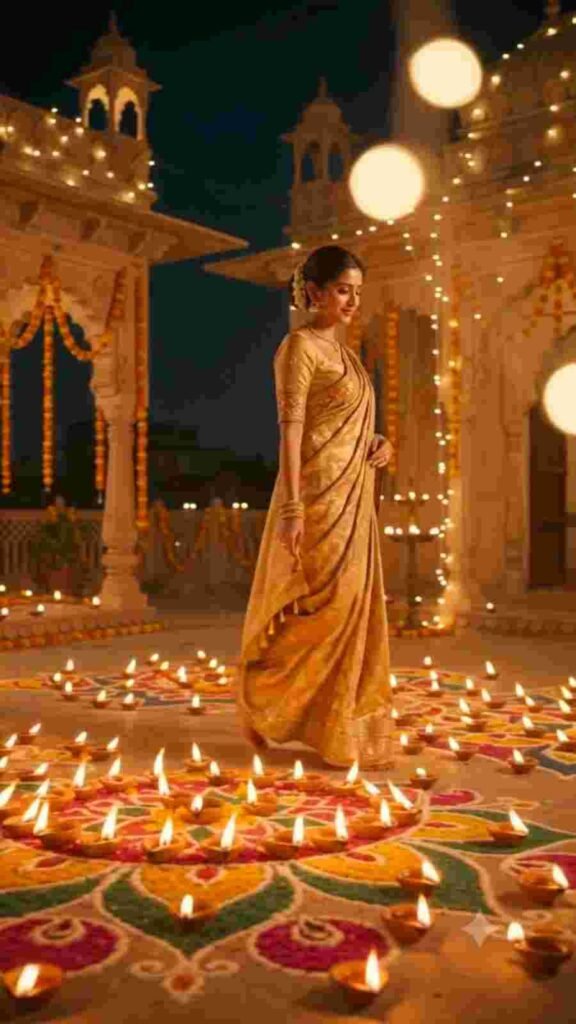
Create an ultra-realistic, big-budget Bollywood-style Diwali cinematic video using @Image1 as the main female character. The video must be 8 seconds long, in vertical 9:16 format, optimized for Instagram Reels.

Scene & Environment:

A magical Diwali night on the rooftop terrace of a magnificent heritage Rajasthani haveli. The entire floor is decorated with an enormous, beautifully designed rangoli surrounded by thousands of glowing diyas. Traditional marigold garlands hang from the royal arches, while warm golden fairy lights illuminate the entire terrace. In the background, a breathtaking Indian city skyline sparkles with colorful Diwali fireworks.

Outfit & Appearance:

She wears a luxurious traditional Indian silk saree featuring intricate golden zari embroidery, paired with a beautifully matching blouse. Her look is completed with elegant gold jhumka earrings, delicate bangles, a subtle gold necklace, and a gracefully draped pallu. Her appearance should be elegant, festive, royal, and authentically Indian.

Action & Timeline (Exactly 8 Seconds):

0–2 Seconds: Begin with a cinematic low-angle tracking shot. She gracefully walks through the beautifully illuminated diya rangoli. The tiny flames flicker naturally as she walks past them.

2–4 Seconds: She gently lights a traditional sparkler (phuljhari) using a nearby diya. Golden sparks burst beautifully in slow motion, creating magical reflections in her eyes.

4–6 Seconds: She gracefully raises the sparkling phuljhari towards the night sky. A spectacular combination of golden and rose-pink fireworks explodes behind her, illuminating the entire rooftop. Floating embers and soft cinematic smoke create a magical festive atmosphere.

6–8 Seconds: The camera smoothly glides forward into a beautiful close-up. She looks directly into the camera with a warm, confident Bollywood-style smile and gives a gentle nod. She naturally speaks to the camera, saying:

Dialogue: "Happy Diwali to you and your family!"

Her voice should sound like a natural Indian female speaker, with a warm, friendly Indian English accent, accurate lip-sync, clear pronunciation, and a cheerful festive expression.

Camera & Cinematography:

Smooth cinematic dolly movement, elegant tracking shots, shallow depth of field, anamorphic lens flares, natural camera transitions, and a premium 120fps slow-motion cinematic feel.

Lighting & Atmosphere:

Warm golden-amber lighting from the diyas, subtle teal-blue night sky for contrast, beautiful golden rim lighting around her hair, realistic volumetric smoke, glowing bokeh, and natural reflections from fireworks.

Visual Quality & Style:

Big-budget Bollywood movie aesthetics, ultra-realistic 4K visuals, rich festive colors, cinematic color grading, subtle film grain, realistic skin texture, natural facial expressions, and physically accurate fire, sparks, and smoke.

Identity Preservation:

Strictly preserve the exact facial identity, facial features, hairstyle, skin tone, and natural appearance of the uploaded avatar (@Image1). Do not alter her identity at any point. Maintain consistent facial appearance throughout all frames.

Negative Instructions:

No cartoon or animated appearance, no face swapping, no facial morphing, no identity changes, no distorted hands, no extra fingers, no unnatural body movements, no flickering faces, no blurry frames, no jump cuts, no subtitles, no text, and no watermarks.

Final Requirement: The entire video must feel like a professionally directed Bollywood Diwali celebration scene, with smooth continuous motion, realistic expressions, beautiful fireworks, and perfectly synchronized Hindi-Indian-accented English dialogue at the end.
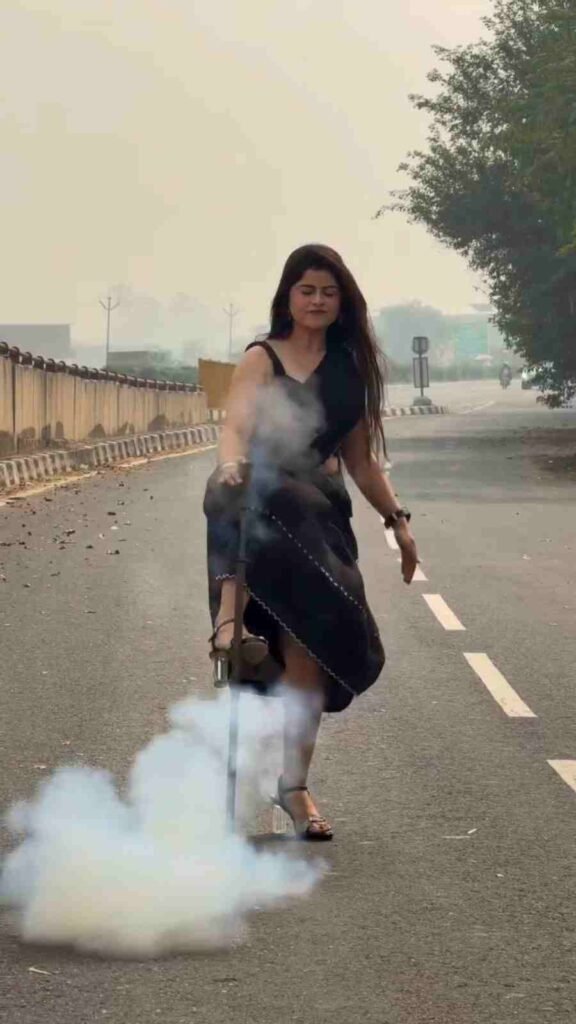
A realistic 10-second cinematic video bringing the person from the uploaded reference image to life with full face, body, and clothing consistency.
- 0 to 3 seconds: The subject stands on an open paved road, slightly hunched forward, leaning weight on an upright metallic walking cane held with both hands.
- 3 to 5 seconds: The subject lifts one leg, places the heel of their shoe directly against the body of the walking stick to tap/balance on it. At the exact contact moment, dense white smoke instantly erupts from the ground around their feet.
- 5 to 7 seconds: The subject steps down from the cane, stands upright with full confidence, looks directly into the camera, smiles brightly, and sweeps a hand backward through their hair.
- 7 to 10 seconds: The subject stylishly struts forward past the camera with attitude and swagger, casually holding the walking stick at their side as the background blurs smoothly.
Photorealistic 4K, precise timing, smooth slow-motion transition, outdoor daylight.
When A Simple Picture Starts Moving
There is something special about turning an ordinary photo into a video. It becomes even more exciting when you see a new scene created using your own picture. However, using an AI tool alone is not enough to create a good video. The way you write your prompt is also important.
For example, if you want the person in your photo to walk towards the camera, clearly mention that action in your prompt. Similarly, if you want a background featuring the sea, mountains, or city streets, include those details as well. You can try different instructions with the same photo to get different results. However, you may not always get exactly the same outcome every time. So, try changing your prompt according to your preferences. This will help you discover new video ideas and improve your creativity.
Make Every Reel Tell A Different Story
When viewers see the same type of video repeatedly on Instagram, they may lose interest. That is why adding something new to your Reels is a good idea. With videos created using Google Flow, you can present different environments and stories in every post.
For example, you can transform your photo into a cinematic scene in one video. In another video, you can create a completely different look in a beautiful natural environment or on a busy city street. Adding suitable background music and a short caption can make your video look even better. However, there is no need to add too many unnecessary elements.
Clear scenes, smooth camera movements, and well-edited videos can be more attractive to viewers. Share your creations with your friends and ask for their opinions. Their feedback may give you new ideas for your next video.
Conclusion
Today, there are many easy ways to turn your imagination into videos. In the past, creating certain types of videos required a lot of time and editing skills. But with AI technology, trying out these ideas has become much easier. Instagram Trending AI Video Editing With Flow is a great option for people who enjoy creating something new with their own photos.
While creating videos, focus on your own preferences. Try using a new scene or changing the camera movement to explore different results. Do not worry if everything does not look perfect on your first attempt. With a little practice, you can create videos that match your ideas. Most importantly, do not just watch videos created by others. Try using your own imagination to make something different. After all, even a small idea can be the beginning of a beautiful video.
Hi, I’m Rajesh — a photo editor with over 10 years of experience.
I’ve spent more than a decade learning, practicing, and sharing my passion for photo editing.
Everything here is based on real experience, created to help and inspire fellow creators.