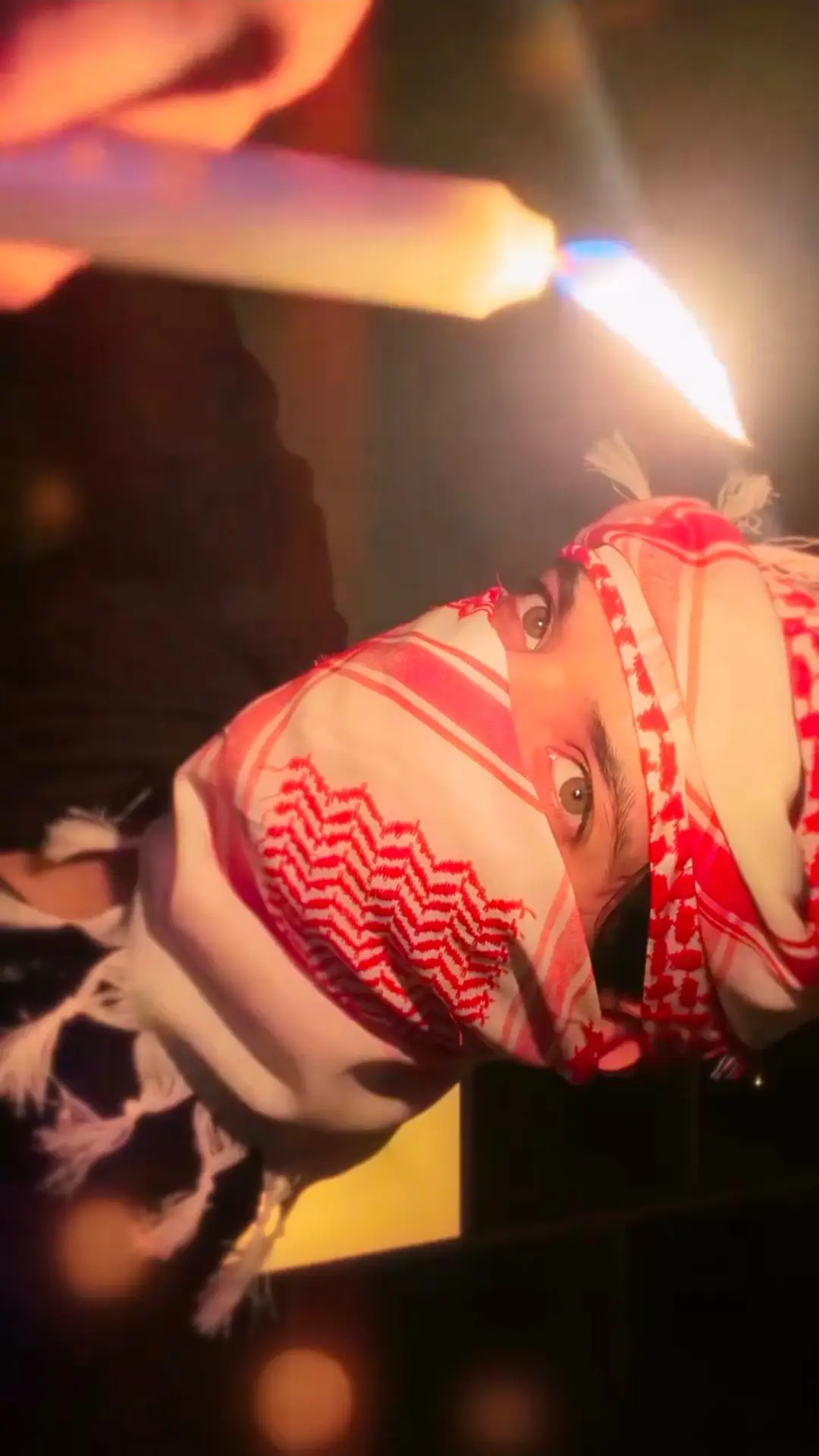
Instagram is full of creative video trends, and Candle Transition Ai Video is one of the interesting styles for making eye-catching Reels. This trend uses a candle as the main visual element to create a smooth and beautiful scene change.
With the help of AI technology, you can turn an ordinary photo into a creative video without spending hours on editing. The most interesting part is that you can use your own picture as the main subject. AI adds movement, lighting and cinematic details to make the final result look more attractive. This style is a great choice for creators who want to try something fresh and different on Instagram.
What Makes the Candle Transition Trend Unique
The Candle Transition Ai Video trend has a different visual style compared to normal photo animations. A glowing candle becomes the main part of the scene and creates an interesting change between two visual moments. The warm light, soft shadows and moving flame give the video a beautiful atmosphere. When your photo is used as the main reference, AI can create a more personalised result. You can choose a romantic cinematic background, a dark room with candlelight or a warm decorative setup. These small creative details make the video more interesting to watch. The final result depends on the photo, prompt quality and the AI tool you use.
A Creative Way to Turn Photos Into Videos
- You do not always need a collection of pictures to create an attractive Reel.
- A single clear photo can become the starting point for an AI-generated transition video.
- The AI tool uses your uploaded image to understand the subject and create a moving visual scene.
- You can describe the candle position, flame movement, lighting direction and background appearance through your prompt.
- This gives the AI a clear idea about the result you want.
- For a better outcome, choose a photo with a clearly visible subject and a simple background.
- A good reference photo can help the AI maintain a more consistent appearance throughout the video.
Bring Your Candle Transition Idea to Life
To begin, select an AI video creation platform that supports photo-to-video generation. Open the image-to-video feature and upload your chosen photograph. Now prepare a detailed Candle Transition AI Video Prompt describing the candle, flame, camera movement and scene transformation. Paste the prompt into the text box and check the available video settings.
Choose a vertical format if you are creating content for Instagram Reels. Once everything is ready, start the generation process. After the video is created, watch it carefully to check whether the transition looks smooth. If the result does not match your idea, adjust the prompt with clearer visual instructions and try again.
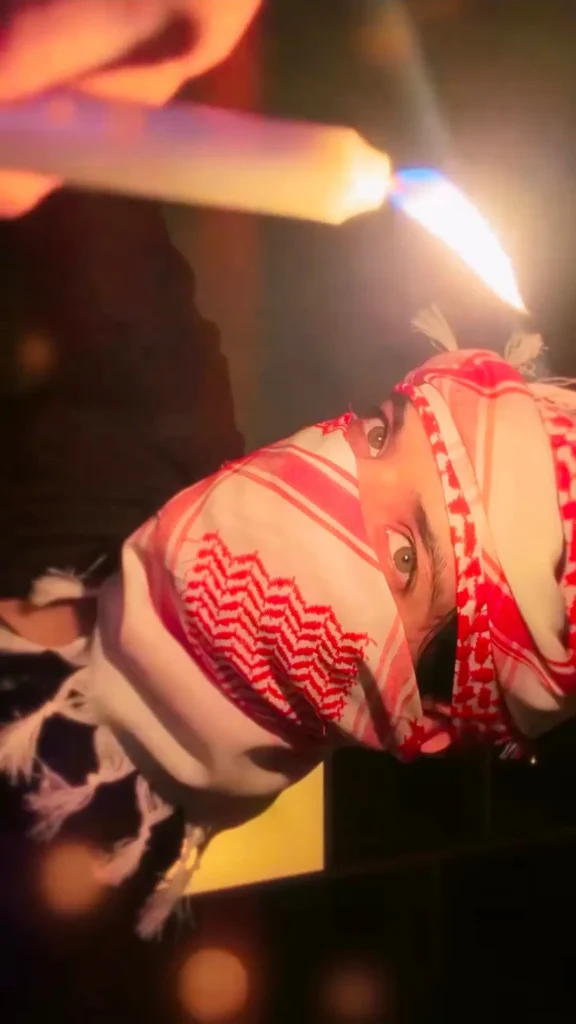
16:9 cinematic video, 10 seconds, natural smooth motion. Use @video1 for camera movement, timing, and actions, featuring the young man from @image1.
0.0–2.0s: Eye-level close-up in a bright room with a light-grey wall and white shelf. The young man from @image1, wearing a plain black T-shirt, lights a tall white decorative candle on the right using a wooden matchstick, then looks calmly at the camera.
2.0–4.6s: He picks up the glowing white candle, moves it gently toward the left side of the frame near the lens, and brings it back to the center with a slight smile.
4.6–5.75s: He passes the warm glowing candle across the camera lens from left to right, creating a soft golden light transition.
5.75–10.0s: Cut to a cozy dark room with warm orange bokeh lights in the background. The man from @image1, wearing a red-and-white patterned winter scarf styled over his head and neck, holds the lit white candle on the left side of the frame while looking steadily at the camera.
Warm aesthetic lighting, sharp focus, high quality, smooth transitions.
Visual Details That Make Your Reel Stand Out
The beauty of a Candle Transition video depends on its small visual elements. A natural-looking flame, warm golden lighting and realistic shadows can give the scene a cinematic appearance.
You can also describe how the candlelight spreads across the surroundings and changes the mood of the video. Smooth camera movement is another important detail because it helps the transition feel more natural.
Avoid adding too many visual effects or unnecessary objects to the scene. Keep the main subject clear and make sure the candle remains an important part of the transition. These simple creative choices can make your AI-generated Reel look more polished and enjoyable.
Make Your New Reel Ready for Instagram
After generating your video, you can make a few final changes using your preferred editing application. Choose suitable background music that matches the mood of the candle scene. You can adjust the video timing, improve the brightness and make the transition easier to follow. A vertical 9:16 video format is suitable for Instagram Reels. Keep the opening scene interesting so viewers can quickly understand the visual idea. You can also write a short and relevant caption before publishing your Reel. Make sure the final video looks clear on a mobile screen. A clean presentation and an interesting transition can make your content more appealing to Instagram viewers.
Conclusion
The Candle Transition AI Video trend offers a creative way to transform a simple photograph into an attractive Instagram Reel. You can experiment with candlelight, realistic flames, cinematic backgrounds and smooth scene changes to create your own visual style.
The process is simple when you have a suitable photo and a well-written AI prompt. Instead of following the same editing style every time, try different visual ideas and make each creation look fresh. With the right combination of photo selection and prompt instructions, you can explore this trending transition and create something unique for your Instagram audience.