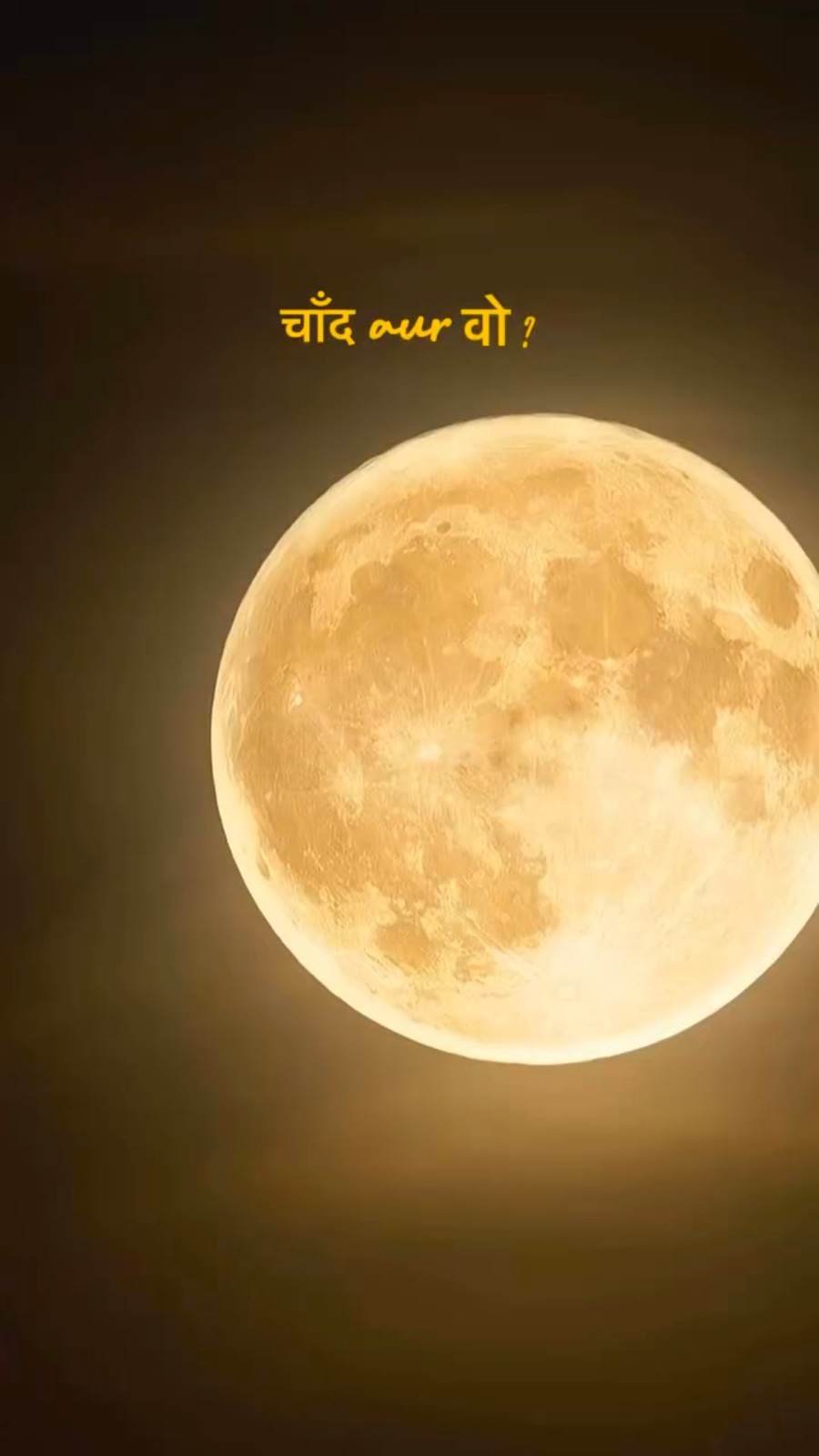
New video editing styles are becoming popular on Instagram every day. People love trying creative effects that make their photos and videos look different. One such popular style is the Moon Transition effect. It combines beautiful moon scenes with personal photos or video clips to create a smooth and attractive transition.
If you want to try something new for your Instagram Reels, Instagram Trending Moon Transition VN Code is a great choice. The best part is that you do not need advanced editing skills to make this video. You can use the VN Video Editor app and follow a few simple steps. Just select your favourite pictures and apply the template. In this article, we will explain everything in an easy way so that you can enjoy making your own Moon Transition video.
Instagram Trending Moon Transition VN Code
Moon Transition Video Editing is a creative video style that uses moon scenes to connect two different moments. The video usually starts with a beautiful moon view and then smoothly moves towards another scene. This makes the entire video look more interesting.
The Moon Zoom Transition effect gives the feeling that the camera is moving closer to the moon before showing your selected photo or video. It creates a cinematic look that many people enjoy using in their Instagram Reels.
You can use your own pictures to make this editing style more personal. The VN Video Editor app makes the process simple, even if you are trying this type of editing for the first time. With the right pictures and a suitable template, you can create an attractive video in just a few steps.
Follow These Steps for a Beautiful Moon Transition
First, install the VN Video Editor app on your mobile phone. Once the installation is complete, open the app and log in if required.
- Now, visit our website Ai Editz and search for Instagram Trending Moon Transition VN Code.
- Open the related post and scroll down slowly. You will find a QR Code in the post. Take a screenshot of that code and keep it saved on your phone.
- Next, open the VN app and find the Scan option. Select your saved QR Code and scan it. The Moon Transition template will open on your screen.
- Now, select your favourite photos or video clips and add them to the template.
- Check the video once to make sure everything looks correct. After that, click on the Export option to save your finished video to your mobile gallery.
- Your Moon Transition video is now ready to share on Instagram, Facebook, WhatsApp Status, and other social media platforms.
Explore More Moon Transition Editing Ideas
Finding new editing templates is very easy with our website. You can explore different styles and choose the one you like most.
- First, open Google Chrome on your mobile phone. Type AI Editz in the Google search box and search for it. You will see our website in the search results. Click on the website to open it.
- After entering the website, look for your favourite editing post.
- If you cannot find the post directly, use the Search button available at the top of the website.
- Type Instagram Trending Moon Transition VN Code in the search box.
- Within a few moments, the related post will appear on your screen. Open it and scroll down to find the QR Code and other useful information.
- You can also explore other trending video editing styles available on our website.
- We regularly share fresh editing ideas and creative templates to help you make interesting videos.
Make Every Moon Scene Feel Special
A beautiful video does not always need too many effects. Sometimes, a simple moon scene and a good picture are enough to create something special. This is why Moon Transition editing looks so attractive. You can use your favourite pictures, memorable moments, or beautiful video clips with this style. Try choosing pictures that match the mood of the moon scene. This will make the final video look more natural and enjoyable. You can also add suitable background music to make the video more interesting. Try to keep the pictures and transitions in the right order so that the video looks smooth from beginning to end. Once everything is ready, watch your video and make any changes you need. You can then share it with your friends and followers on Instagram. A little creativity can make your ordinary pictures look completely different.

Turn Simple Pictures Into a Beautiful Night Story
Every picture has a different memory, and a creative editing style can make that memory more interesting. The Moon Transition effect gives you a chance to present your favourite moments in a fresh way.
You do not need expensive equipment or professional editing knowledge to try this style. Your mobile phone, a few selected pictures, and the VN Video Editor app are enough to get started. You can experiment with different photos and see which combination looks best. Try to keep the video simple and choose scenes that match the overall night theme. You can also use different music to give your video a unique feeling.
The most important thing is to enjoy the editing process and create something that reflects your own creativity. Every new video gives you a chance to learn something different and improve your editing skills.
Conclusion
We hope you enjoyed this Instagram Trending Moon Transition VN Code tutorial. In this article, we have explained how to use the VN Video Editor app to make a beautiful Moon Transition video. The steps are simple, so even beginners can follow them without much difficulty. Choose your favourite pictures, apply the template, and create a video in your own style. You can share your finished video with friends and followers on your favourite social media platforms.
If you face any problems while following the instructions, feel free to share them with us. We are always happy to hear your feedback and suggestions. Keep visiting our website to discover more creative editing ideas, new templates, and trending video styles. Thank you for visiting, and enjoy creating your next beautiful video!